
Brush Up on AI Bootcamp
Build your
invisible assistant.
Your own AI assistant for the busy work in your job. The SOPs, the job descriptions, the meeting outlines, the supply spreadsheet, the email you keep putting off. In three live Zoom sessions you build it in ChatGPT or Claude, and you leave with it already taking work off your plate.
December cohort starts Monday, Dec 7January cohort starts Monday, Jan 11
Registration opens soon. The waitlist hears first and gets first chance at the $297 early rate.
$297 per person through November 20, then $397. 20 seats per time slot.

Who this is for
Which one sounds like your week?
Everyone builds their own assistant for their own job. Find your line.
Office manager
I write every SOP, every job description and every meeting agenda. Usually after everyone else has gone home.
Front desk and scheduling
I keep meaning to write down how I do things so someone can cover for me. There's never time.
Treatment coordinator
My notes from every training and meeting live in five places. I want them turned into something I'll actually use.
Billing
I build the same spreadsheets and reports every month, by hand, from scratch.
Hygienist or assistant
I do the supply order. It lives on a sticky note and a spreadsheet only I understand.
Dentist
A contract to review, a job posting to write and a team meeting Monday. All of it lands on my evenings.
Dental consultant
Proposals, outlines, follow-up notes for every client. I start each one from a blank page.

Brand new to AI? Good. You need a laptop, a phone and a ChatGPT or Claude account. I'll walk you through the rest.
What you'll leave with
An assistant that knows how you work,
already taking busy work off your plate.
By the end of Session 3, each of these is built, saved and working.
A named assistant
Set up in ChatGPT or Claude with saved instructions about you, your role and how you like things done. It opens on your laptop and your phone.
Your know-how, written down once
Your templates, your checklists, the way you like things worded. Your assistant uses them, so you stop starting from a blank page.
One task it does every week
Picked from your own busy work, set up in Session 2, and tested on a real week before Session 3.
A five-minute weekly check‑in
A short routine where it helps you plan your week, and you keep it up to date.
A corrections log
When it gets something wrong, you fix it once and it stays fixed.
The "Is it OK for AI?" card
A printable card for your monitor, so you know in five seconds what goes in and what never does.
You'll leave with it already running.

Where this shows up
The busy work you already do every week.
Everybody tells me "oh yeah, I use AI." Then I ask what for, and the conversation's over.
So we start with your list. The stuff that eats your week, that you do on your lunch break or at home, and that has nothing to do with a patient. Here's what people hand off:
- Writing SOPsTalk it through once, out loud. Get back a clean step-by-step anyone can follow.
- Job descriptionsA first draft in your words, ready for your doctor to look over.
- Meeting outlinesAn agenda, talking points and the follow-up email for your next team meeting.
- Supply ordering spreadsheetsWhat you order, how often and from whom, in one sheet someone else can read.
- Reviewing contractsA plain-English summary and the questions to ask before anyone signs.
- Comparing vendor quotesTwo or three quotes side by side, with the differences pointed out.
- Planning your weekYour calendar and your to-do list turned into a plan you can actually keep.
- The email you keep putting offTell it what you need to say. Get a draft that sounds like you on a good day.
- BrainstormingIdeas for the team lunch, the next training or the project you keep circling.
- Notes into a planMessy notes from a meeting or a course, back as who does what by when.
Most of this never touches patient information. For the times something might, there's one simple rule.
How it works
Three live sessions.
I teach a piece, then you build it.
Each session is about 90 minutes on Zoom. You build right there while I'm on the call, so nobody leaves with homework they never get to.
Build your assistant
- Set it up in ChatGPT or Claude
- Let it interview you about your job and how you work
- Save its instructions and give it a name
- Open it on your phone
- Hand it its first piece of busy work
Give it your know-how
- Teach it your templates, your checklists and how you like things done
- Write down what lives in your head, so you stop starting from scratch
- Set up one repeatable weekly task
- Set up your weekly check-in
- What goes in, and what never does
Make it a habit
- Bring back what happened when your task ran
- Fix what broke
- Start your corrections log
- Connect your calendar and other tools safely
- Plan your next month
Why there's a week in between
Session 3 is a week after Session 1 on purpose.
Your weekly task runs once, for real, before we check in. Then we fix what needs fixing together.
Can't make one live? Every session is recorded. Watch it, build on your own time, and bring your questions to the next live session.
The one rule
Most of this never touches patient information.
Your SOPs, your supply list, your calendar, your next team meeting. None of it needs a patient's name.
For the times something might, the rule is simple: no patient information goes into AI. Contract or HR details get placeholders. I'll show you exactly where the line is in Session 2.
Is it OK for AI?

- Does it name a patient or show their health info? Stop
- Contract, HR or pay details? Placeholders
- Something you'd hand a new hire on day one? Go
You get this card, printable, for your monitor.

Dates and investment
Pick your cohort.
Then pick your time.
Every session runs twice that day. You choose one time and keep it for all three sessions.
Early rate
After November 20
Registration opens Monday, November 16. Waitlist hears first.
You picked: December cohort, Midday, 12:00 PT
All you need: a laptop, a phone, and a ChatGPT or Claude account. No tech background.

The waitlist
Hear first when
registration opens.
Registration isn't open yet. Join the waitlist and here's what you get:
- The registration date ahead of time, before it's posted anywhere else
- First chance at the $297 early rate, before seats open to everyone
- An email the day registration opens, so you don't miss it
Registration opens Monday, November 16 at 9am Pacific.
Why learn this from me
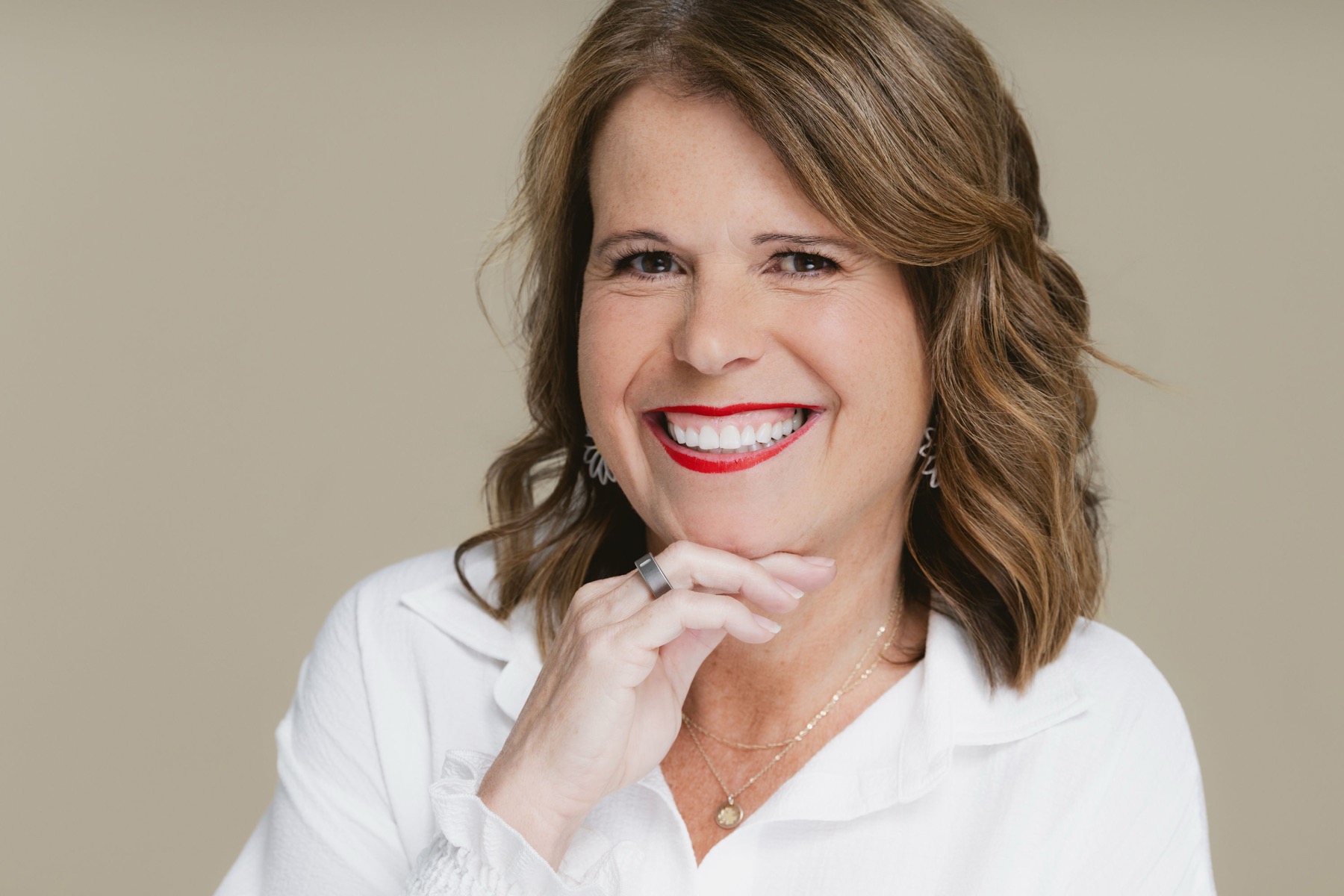
AI training from someone who actually knows dental teams.
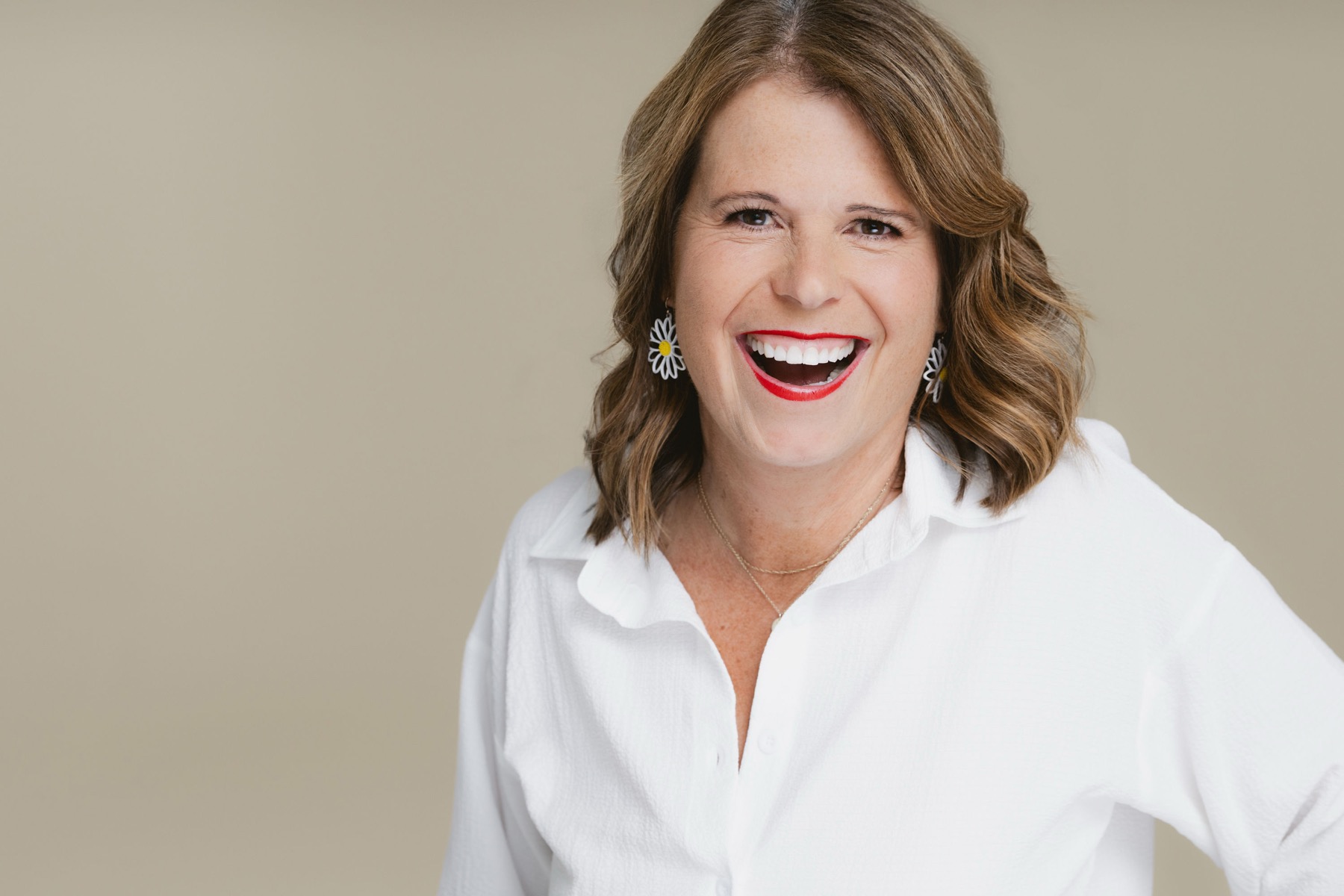
I've spent more than 20 years in dentistry. I started inside the dental office, worked as an office manager, and went on to found Front Office Rocks, where I've trained thousands of dental team members on systems, communication and practice efficiency.
Today I teach dental professionals across the country how to use AI in ways that are practical and useful for the work they already do. I wrote the book Brush Up on AI for the same reason.
I know the difference between technology that looks impressive in a demo and technology that gets you out the door on time on a Tuesday.
- 20+ years in dentistry
- Former dental office manager
- Founder of Front Office Rocks
- Author of Brush Up on AI
Good to know
The short version
- Live on Zoom. I teach, then you build, every session.
- Every session is recorded.
- Sold per person. Each person builds for their own job.
- For office managers, front desk, scheduling, treatment coordinators, billing, hygienists, assistants, dentists and dental consultants.
- No CE credits.
- Registration opens soon. The waitlist hears first.
- The conversation keeps going in my free Facebook group.
New to AI? Perfect.
Questions
Before you join the waitlist
Before you save your seat
Is this about AI for the practice, or for me?
For you. We work on the busy work in your own job: SOPs, job descriptions, meeting outlines, spreadsheets, contracts, your calendar. We don't touch your practice software, patient messages or phone calls.
How does the waitlist work?
Add your name and email above. You'll get the registration date ahead of time, and when registration opens, the waitlist gets first chance at the $297 early rate before seats open to everyone.
Registration opens Monday, November 16 at 9am Pacific.
Is this HIPAA-safe?
Most of what we build never touches patient information. For anything that might, the rule is simple: no patient information goes into AI. The everyday versions of ChatGPT and Claude don't sign a business associate agreement (BAA) with your office, so anything that could identify a patient stays out. Use placeholders instead.
Some business plans will sign a BAA. That's a conversation for your doctor and whoever handles your compliance. For this bootcamp, the rule is the rule.
Do I need a paid AI plan?
A free ChatGPT or Claude account should be all you need, plus a laptop and a phone.
ChatGPT or Claude?
Either one. If you already use one, stay with it. Every step works in both, and I teach them side by side.
What if I miss a session?
Every session is recorded. Watch it and build on your own time, then bring your questions to the next live session.
Can I switch time slots?
No. You pick one time and keep it for all three sessions, so choose the one you can make every time.
What if my time slot is small?
It runs. Even if it's just you.
Is there CE?
No. This bootcamp doesn't offer CE credits.
What's your refund policy?
Full refund up to 7 days before Session 1. After that, I'll happily move your seat to the next cohort.
Who owns the assistant if I leave my job?
Your assistant lives in the ChatGPT or Claude account you build it in. If you build it in your own account, it goes where you go. If your office wants to keep the know-how you wrote down, save a copy in the office's files too. We'll talk about this in Session 2.
Can my whole team come? Is there a team rate?
Everyone's welcome, and each person builds an assistant for their own job. Seats are sold per person, so there isn't a team rate.
What happens after Session 3?
You keep your assistant, your weekly task and your weekly check-in. And the conversation keeps going in my free Facebook group, Brush Up on AI for Dentists and Teams.
First session Monday, Dec 7
Bring your busy work.
Leave with an assistant that takes it on.
$297 early rate, $397 after. 20 seats per time slot, midday or evening. Join the waitlist and you'll hear first when registration opens.
$297 per person through November 20, then $397. 20 seats per time slot, midday or evening.
Join the waitlist Save my seatQuestions first? Come say hi in my free Facebook group, Brush Up on AI for Dentists and Teams.